[Zenon Energy] Command processing
Dear zenon Team,
I am currently following the online course "Zenon Basic Training - Energy" and have reached the chapter on Command Processing.
When using the provided Training Project with the simulation running, everything works as expected. When I click on a disconnector symbol, I am prompted to select either Open or Close, and the command is processed correctly.
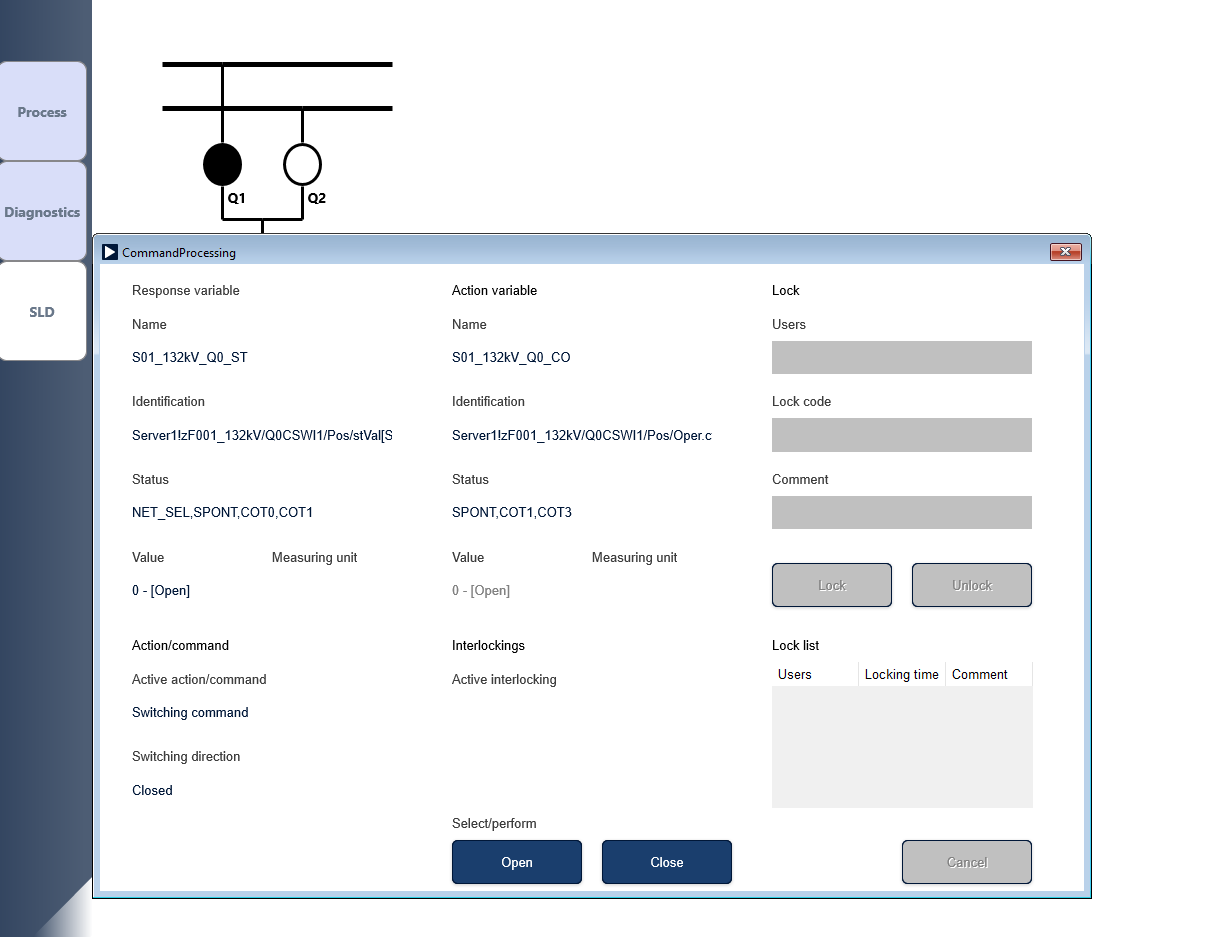
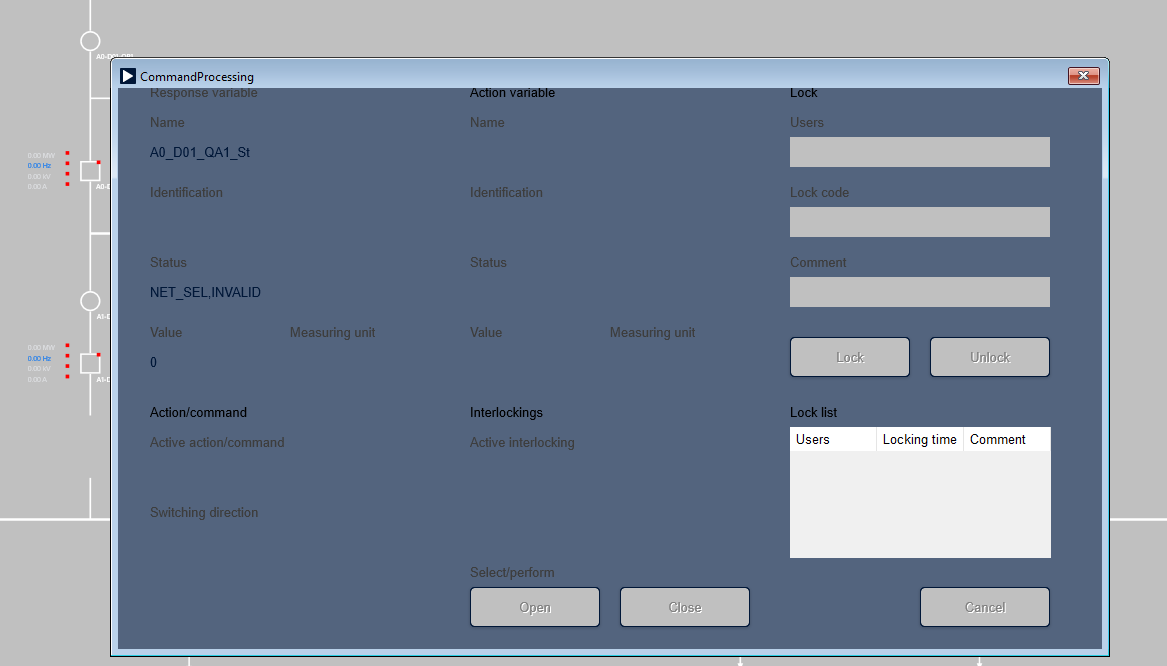
However, when I apply the same configuration in my own project and follow the same steps, but without a simulation or a PLC connected, clicking the disconnector symbol does not display the Open/Close selection dialog. Instead, the Command Processing window opens and the command status is shown as "Invalid".
I would like to know whether Command Processing requires either:
- a running simulation, or
- a connected PLC (or another device) with writable variables
- a symbolic address associated with each variable
in order to function correctly.
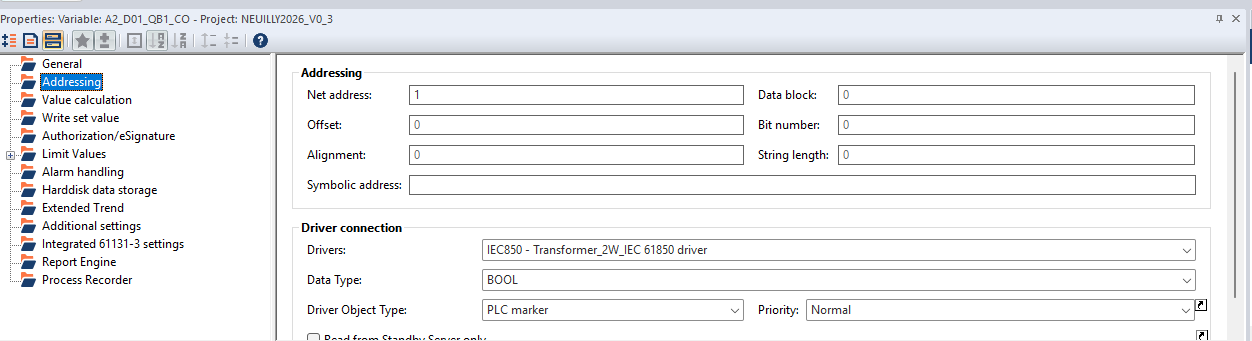
Below a screenshot of the only element that differs from the Training example:
Below a screen of the result I get on my adapted project:
Have I missed any additional configuration that would allow Command Processing to work in an offline environment?
Thanks for your help.
Kind regards,
Paul